
Using the Built-in Thesaurus in the Word Desktop App

SAU #19 staff and students have access to the built-in thesaurus in Microsoft Word. This feature is available in the Word desktop app. and can be used to find synonyms and alternative words to improve word choice and avoid repetition when writing. To use the thesaurus in the Word desktop app, please follow the instructions below:

1. Open the Microsoft Word desktop app. 

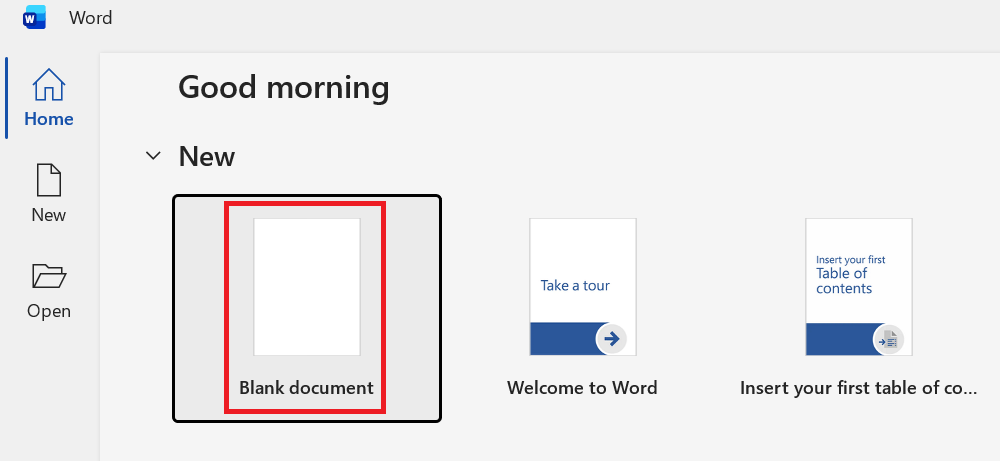
2. Click Blank Document.
3. Type the word you want to look up in the thesaurus.

4. Highlight the word you typed.

5. Click the Review tab, then click Thesaurus.

6. A list of synonyms for the selected word will appear on the right-hand side of the screen.

7. Repeat these steps for any additional words you want to look up in the thesaurus.

Using Microsoft Mail Merge
Using Transcribe to Create a Transcription of an Audio File or Recording